

Editable shapes, directly in Unity
Rounded Rectangle: Procedural Shape System for UI & 3D
Build rounded panels, controls, frames, displays, and scene shapes directly in Unity. Adjust geometry and appearance without preparing a separate sprite for every size, state, or style.
Coming Soon to Unity Asset Store
Try it in your browser
Edit shapes and effects, explore the 3D showcase, and play with generated colliders.
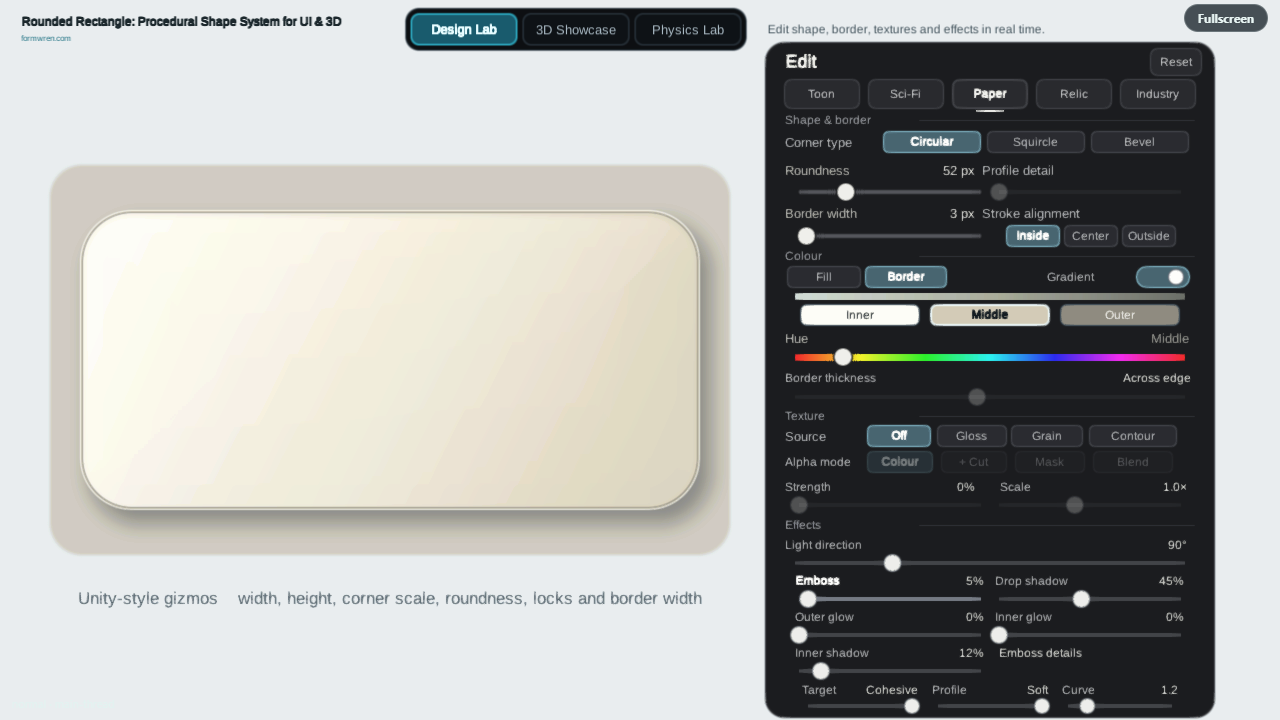
Starts when you choose. The first launch prepares shaders.
Use the same shape in UI and 3D scenes
Build Canvas UI with generated geometry or SDF effects, or place the shape directly in a 3D scene. Each path is designed for a different rendering context and set of appearance controls.
3D scenesWorld Mesh places generated geometry directly in the scene, with material control and optional collision.
Canvas UICanvas Mesh UI draws generated shape geometry inside a Canvas.
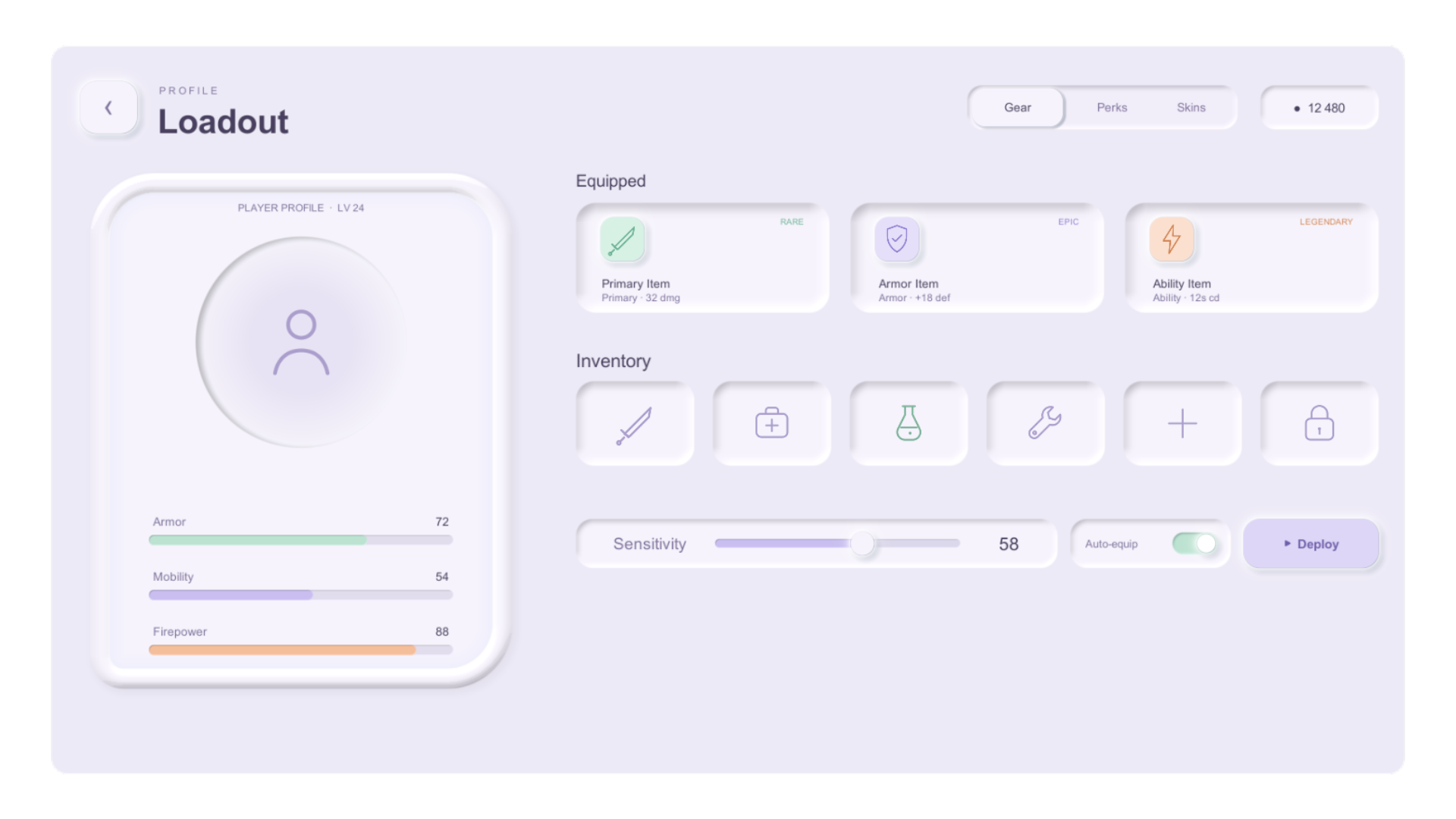
Effects-rich UICanvas SDF adds soft edges, glow, shadows, inner effects, and emboss.
Compare the rendering pathsWorld-space interfaces users can approach
In VR and AR, users can move closer to a panel or inspect a control from a different distance. Build rounded interface shapes with procedural geometry or live Canvas SDF instead of preparing a separate sprite for each size.
Adjust the shape directly in Unity as your layout changes. Choose scene geometry or a world-space Canvas to suit the interface.
Choose a path for VR/AR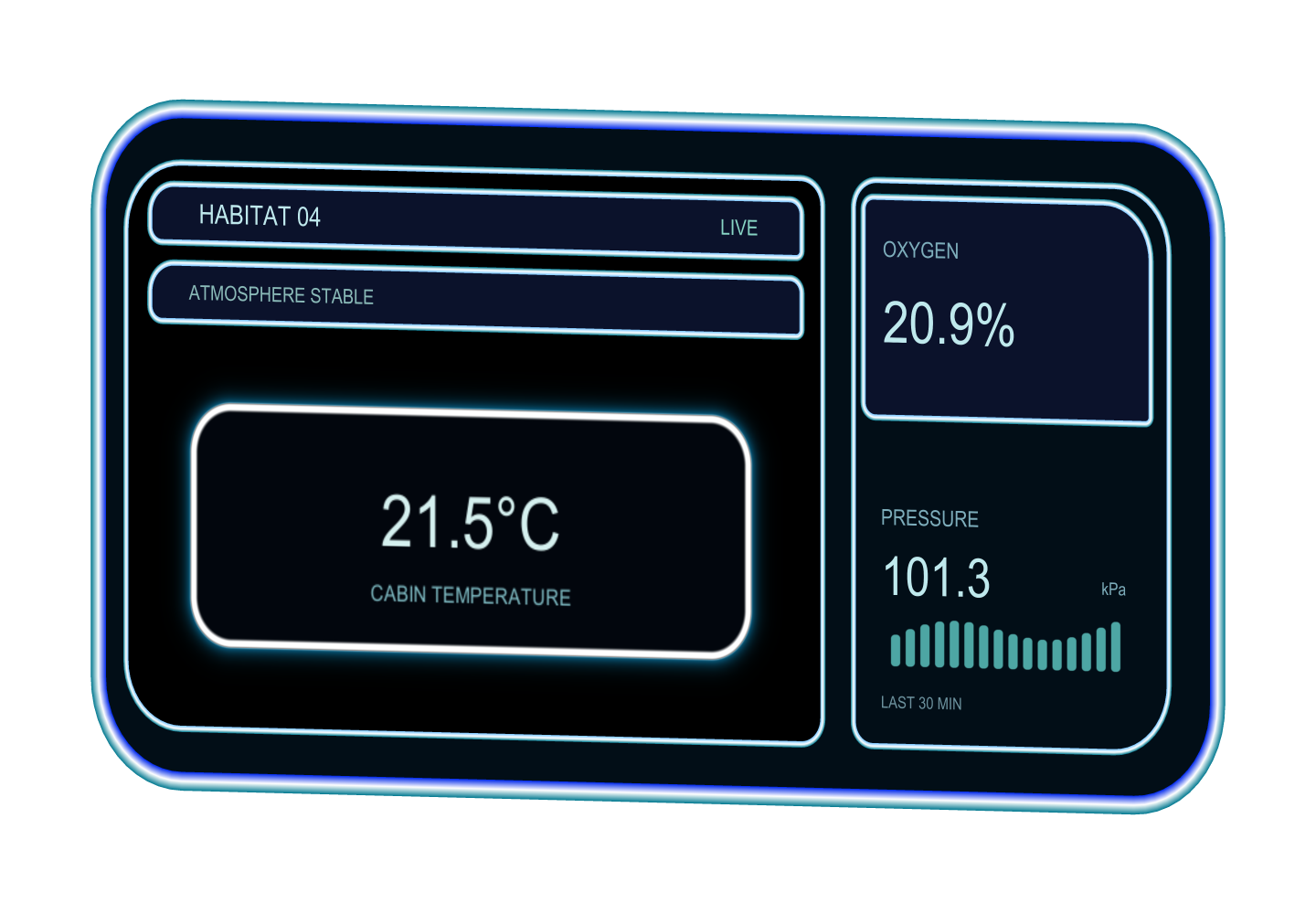

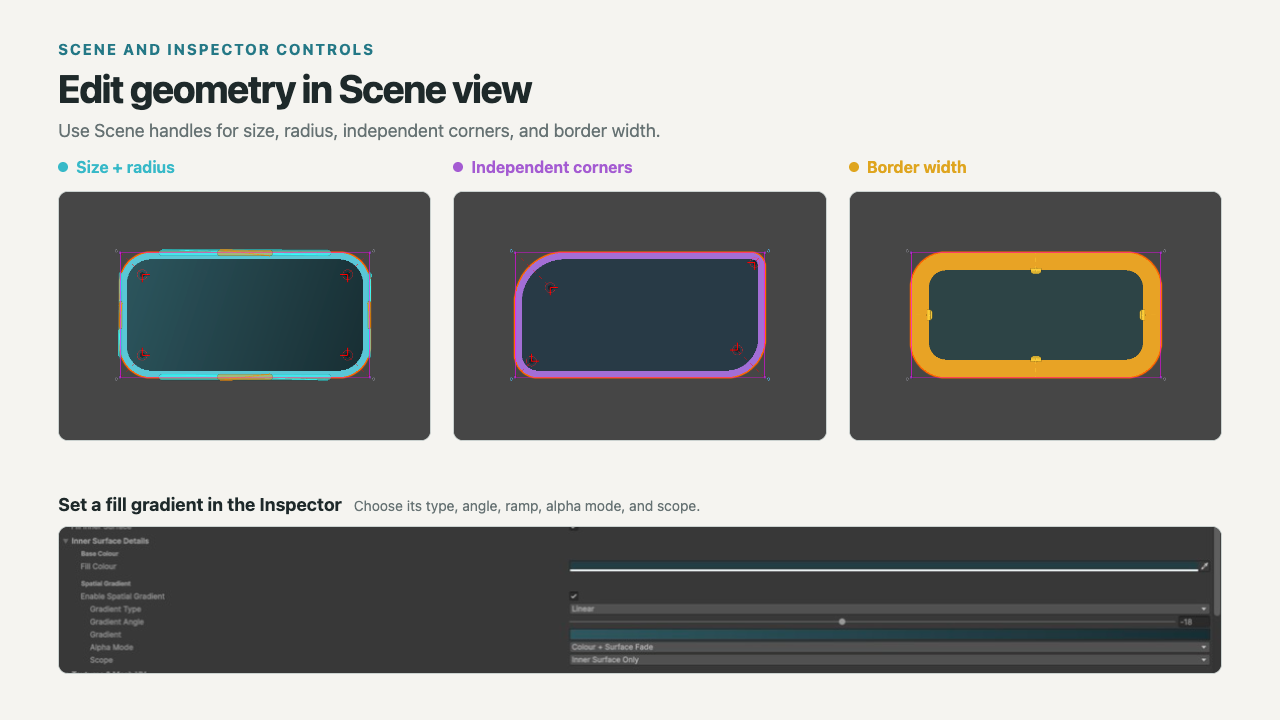
Edit directly in the Scene view
Resize and position the shape, change its radius, adjust individual corners, and set border width with Scene handles. Use the Inspector when you need exact values or the complete control set.
Shape the look without rebuilding artwork
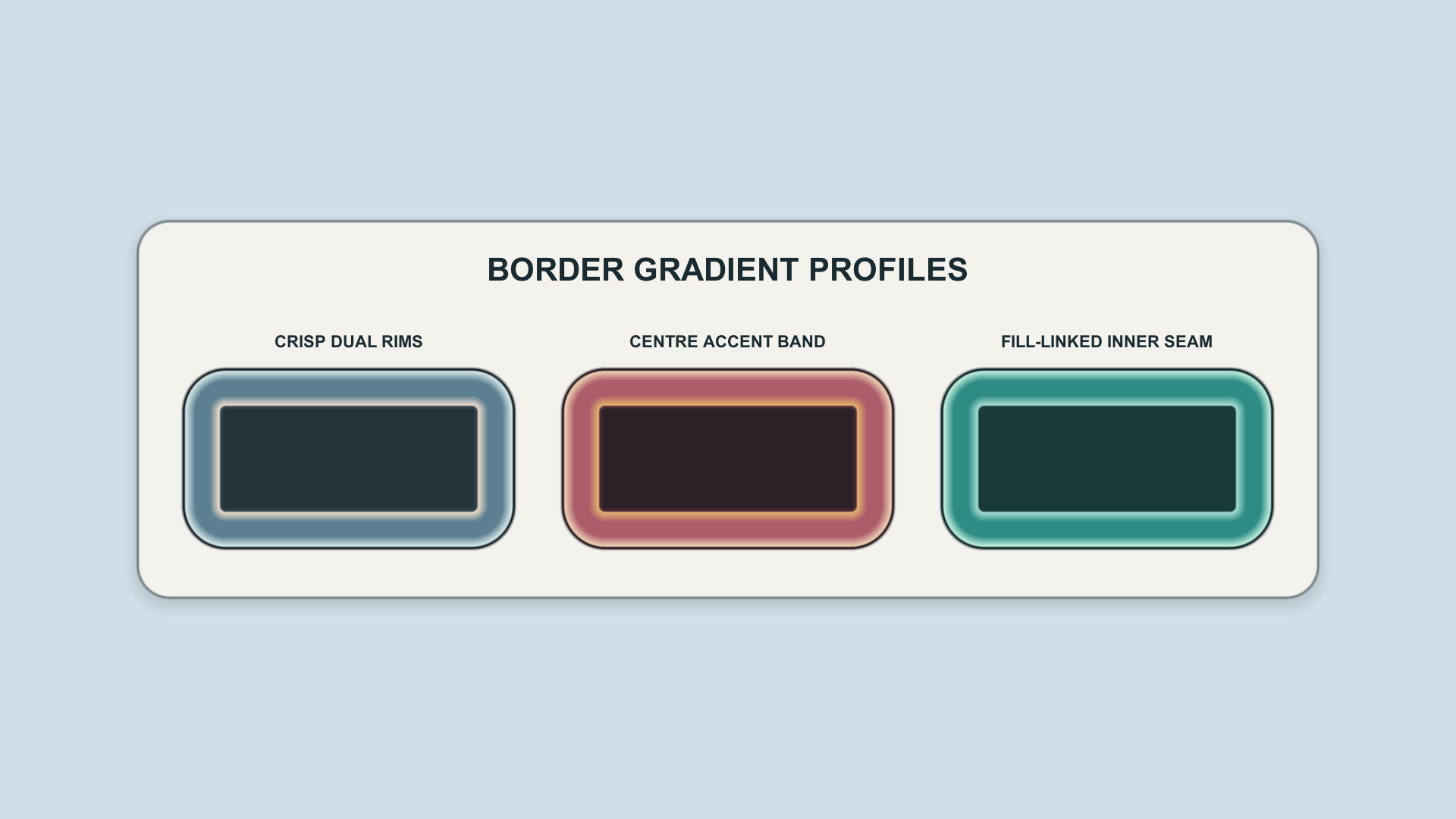
Adjust corner profiles, borders, fills, gradients, textures, and alpha. Canvas SDF adds soft edges, glow, shadows, inner effects, and emboss, with directional effects that can respond to scene lighting.
Circular, Squircle, and Bevel corner profiles
Canvas SDF: softness, glow, shadow, inner effects, and emboss
See the examples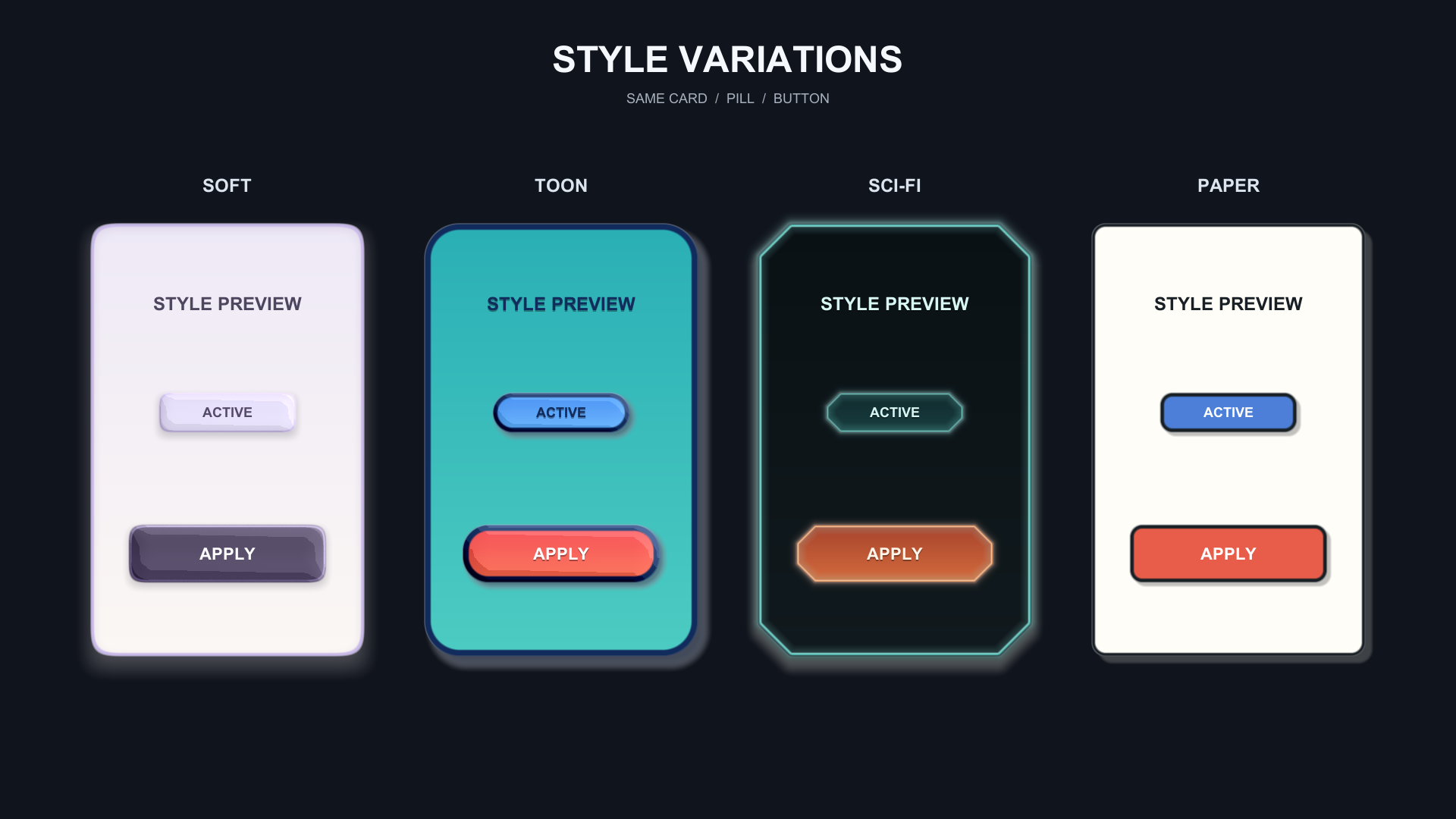
Change shapes at runtime or export a finished result
Connect supported values to scripts, animation, layout, or game state. Stable Canvas SDF results can be cached, and finished visuals can be exported for raster workflows.
Runtime controlConnect supported values to scripts, animation, layout, or game state.
SDF cacheReplace a stable live Canvas SDF result with a cached texture when appropriate.
Raster exportExport one Canvas SDF result to PNG or raster PSD, or flatten a supported Canvas subtree to PNG.
Check export scope Read the performance guidance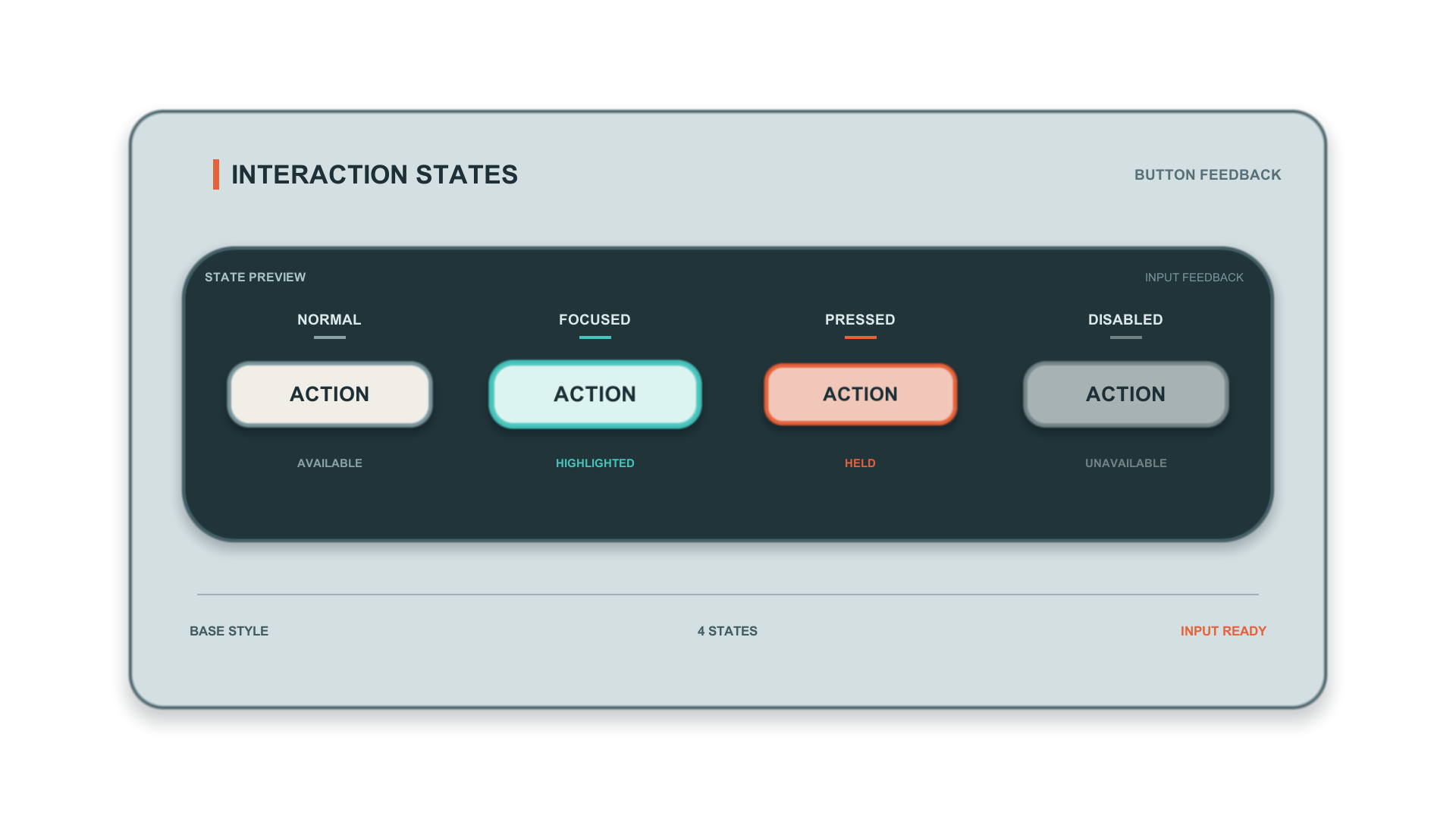
Additional tools
The package also covers in-game editing, content clipping, 3D collision, and offline guidance.
In-game editingOptional runtime handles for supported shape values.
Content clippingKeep child content inside rounded boundaries while preserving the visible shape and its outer effects.
3D collisionOptional generated MeshCollider for World Mesh shapes.
Offline documentationSetup, rendering paths, examples, troubleshooting, performance guidance, and component reference included with the package.
Compatibility
Rounded Rectangle 1.0.0 supports Unity 2022.3.62f3 and Unity 6000.0.34f1 with the Built-in Render Pipeline or URP. See the compatibility notes for setup requirements and supported configurations.
View compatibility notes