Start with the core object
First Five Minutes: Core Object First
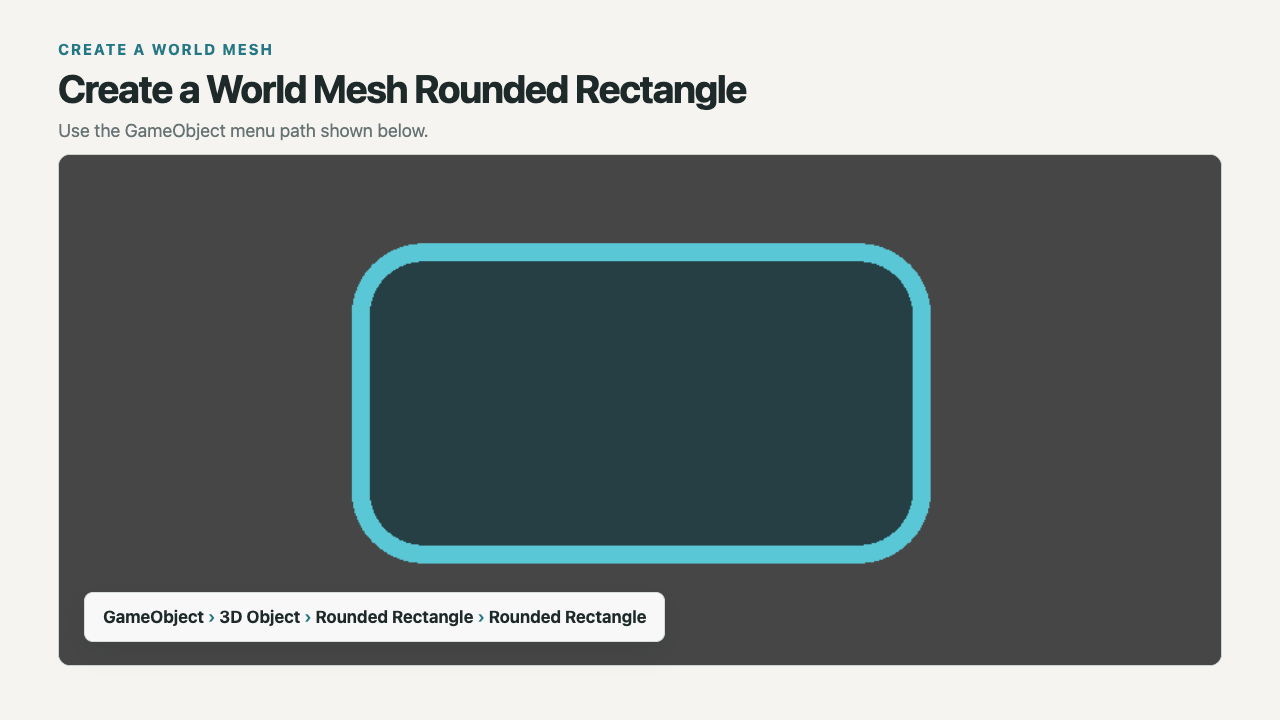
From Unity's main menu, choose Tools > Rounded Rectangle > Create > Rounded Rectangle.
- Select the new object and press F to frame it in Scene view.
- Confirm that the generated mesh is visible.
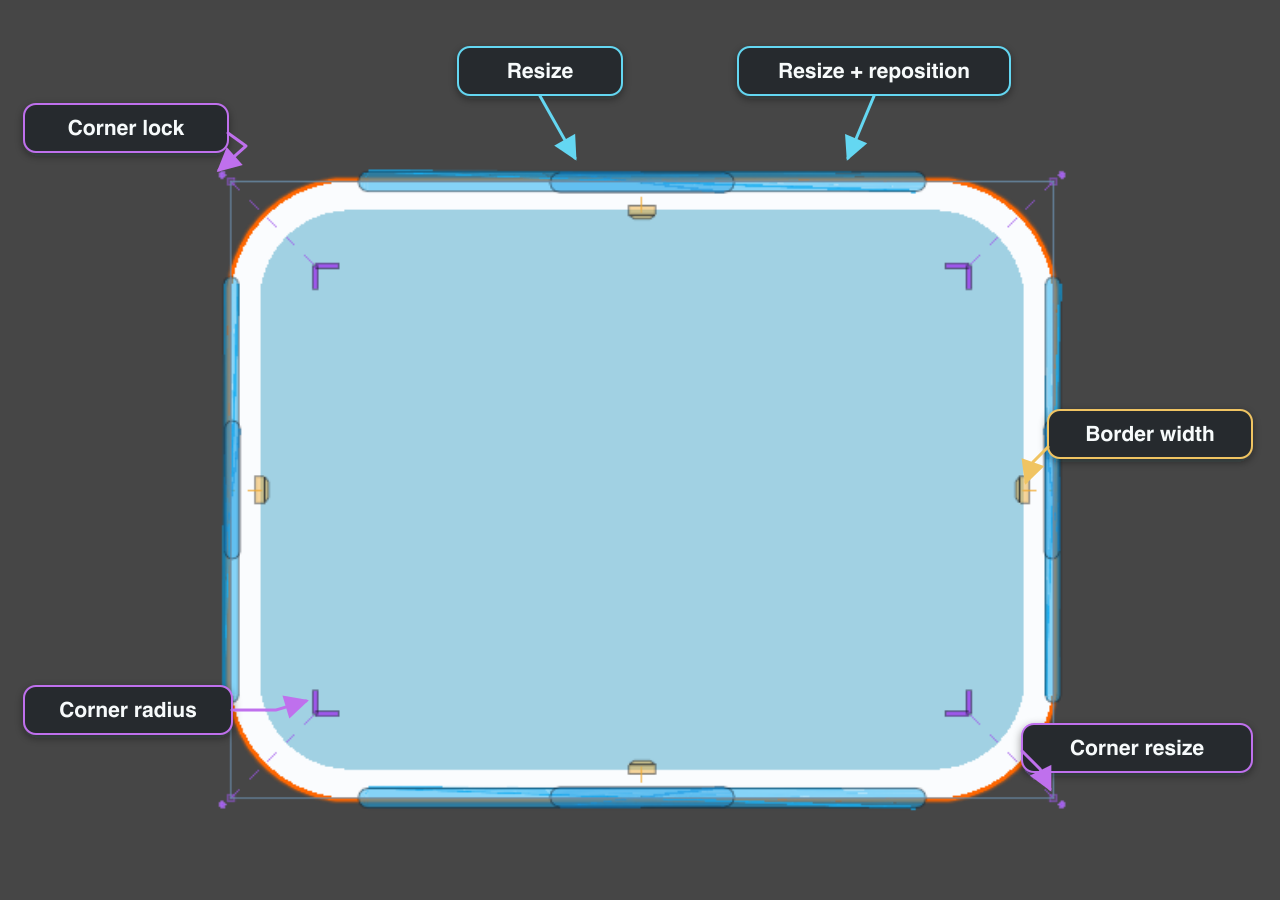
- Edit it directly in Scene view: drag one resize handle, then one corner-radius handle.
- After the shape responds, choose whether to keep it as a world mesh or move it to Canvas mesh UI or Canvas SDF.
The new object is already a usable world mesh. It includes
RoundedRectangleGenerator, MeshFilter, MeshRenderer, and a package-managed material. Optional 3D collider generation is off by default.